Appearance
I/O List
The control-system I/O implied by the drawing's instruments — AI, AO, DI, DO and fieldbus points — derived on demand and exported to CSV or Excel. Every row says where its I/O type came from, so you know which ones to check.
Where it is
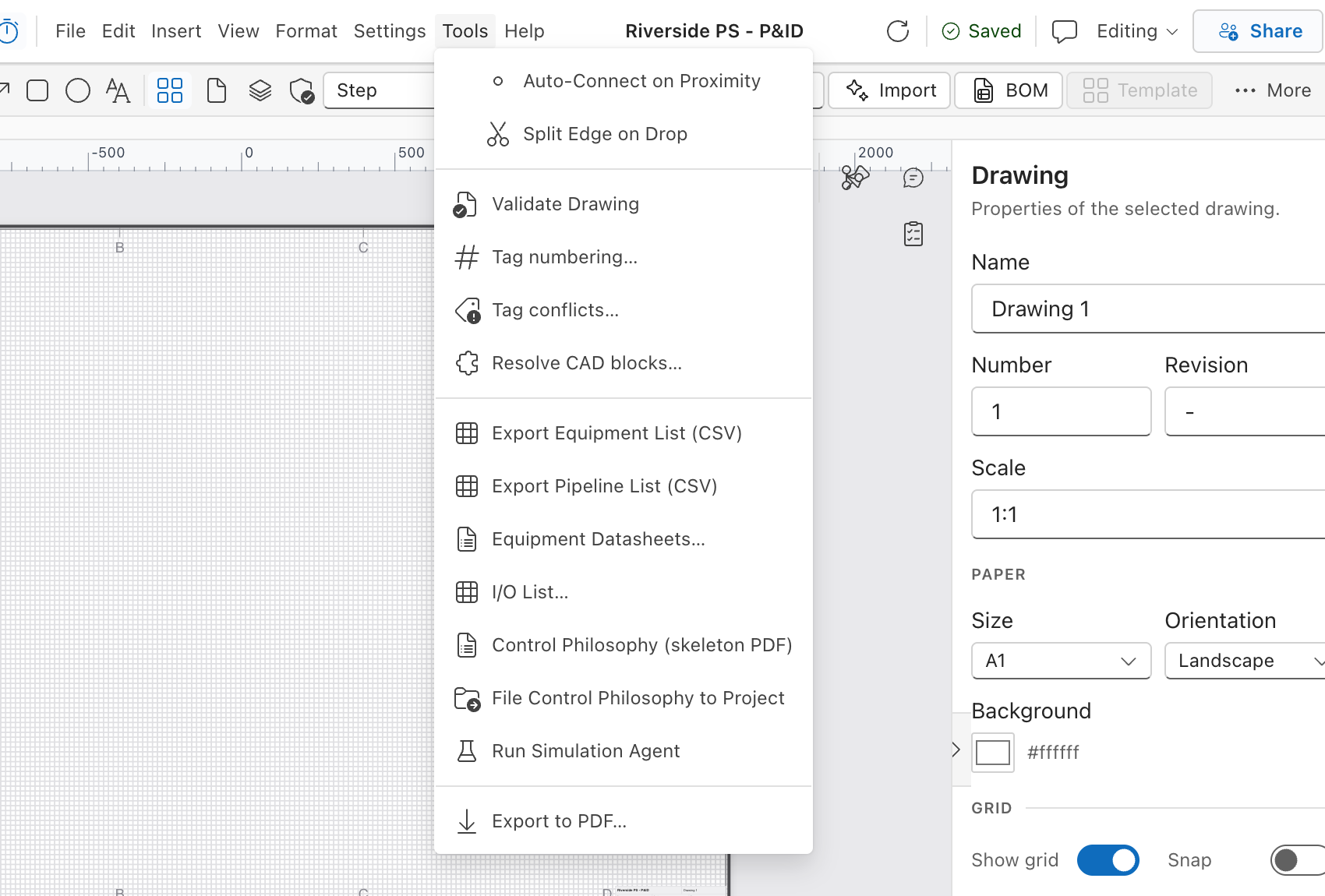
Menu bar → Tools → I/O List…, next to Equipment Datasheets….
The list is built on the server from the drawing as last saved, so the dialog saves the drawing first, every time it loads. If the drawing has never been saved, the dialog says:
Save the drawing before building its I/O list.
The dialog
No screenshot: the capture drawing carries no instrumented equipment, so the I/O list would be empty; the Authored, Inferred and Derived badges are described above instead.
| Control | What it does |
|---|---|
| Include motor points for driven equipment (switch) | Adds standard motor I/O for pumps, blowers, mixers and the like — off by default. See below. |
| CSV | Downloads the rows on screen as io-list-<drawing>.csv, produced in the browser. Disabled when there are no rows. |
| Excel | Downloads io-list-<drawing>.xlsx from the server, with the same switch applied. Disabled when there are no rows. |
| Refresh (circular arrow, tooltip Save and rebuild the list) | Saves the drawing again and rebuilds. |
| Close | Closes the dialog. Nothing is kept. |
Above the table, count badges summarise the list: AI, AO, DI, DO, Fieldbus (only when non-zero) and Total.
Under them, a note tells you what was left out, for example:
- "N instrument(s) have no field I/O (gauges, elements, controllers, relief valves)."
- "N instrument(s) have no ISA tag and are not listed — tag them to include them."
Progress reads "Building the I/O list…". With nothing to show: "No I/O points found. Tag instruments with ISA tags (e.g. FIT-101) to populate the list." A failure raises a toast — "Could not build the I/O list", or "Could not download the I/O list" for the Excel export.
The columns
| Column | Content |
|---|---|
| Tag | The instrument tag, or the equipment tag plus a point suffix for motor points. |
| Description | The element's label, or the ISA variable and device function worked out from its letters. |
| ISA | The ISA letters, e.g. FIT. Empty for motor points. |
| Loop | The authored loop number, else the numeric part of the ISA tag. |
| I/O | AI, AO, DI, DO or Fieldbus. |
| Signal | e.g. 4-20mA, Volt-free contact, 24 V DC, Fieldbus. |
| Range / Units | Taken from the element's properties when they are filled in. |
| Equipment | The first tagged non-instrument element wired directly to the instrument. |
| Source | Authored, Inferred or Derived — see below. |
Rows are ordered by loop number, then by tag; rows with no loop come last.
Where each row's I/O type comes from
This is the column to read before you issue anything. The badge has a tooltip spelling it out.
| Badge | Tooltip | Meaning |
|---|---|---|
| Authored (green) | I/O type set on the element | The drawing states it: an io_type property, or an output / signal property the Properties panel writes. |
| Inferred (amber) | Worked out from the ISA letters of the tag — check it | Nothing was authored, so the type was deduced from the tag. |
| Derived (blue) | Standard motor point for driven equipment | Not an instrument at all — a standard motor point added by the switch. |
Precedence, highest first: an explicit io_type → the output property (analogue / discrete / pulse / digital bus) → the signal property (4-20, 0-10, HART, volt-free, contact, pulse, Profibus/Modbus/fieldbus) → the ISA letters.
What the ISA letters imply
The first letter is the variable; the letters after it are the functions. The inference uses only the function letters:
| Function letters | Inferred | Example |
|---|---|---|
| contains T (transmit) | AI | FIT, LIT, PT |
| contains S (switch) | DI | LSH, PSL, FS |
| contains V or Y (final element), modulating | AO | FCV, LY |
contains V or Y with a discrete first letter (X, H, Z, U) or an S in the tail | DO | XV, ZSV |
HV (hand valve) | no I/O point | manual |
PSV, PSE, TSV, PRV, RV, VRV | no I/O point | self-actuated relief |
| anything else with no T, S, V or Y | no I/O point | PI, FE, FIC |
Devices with no field I/O — local gauges, primary elements, controllers (a soft function), relief valves, hand valves — are counted in the note under the badges but deliberately not listed, because they are not wired to a card.
Where a type is inferred, the signal defaults to the usual one for that type: 4-20mA for AI/AO, Volt-free contact for DI, 24 V DC for DO.
Motor points (the switch)
With Include motor points for driven equipment on, each tagged pump, blower, compressor, mixer, agitator, fan, motor, screen, conveyor, centrifuge, press, aerator or scraper contributes:
| Suffix | Point | I/O |
|---|---|---|
-RUN | running | DI |
-FLT | fault / trip | DI |
-CMD | start / stop command | DO |
and, when the element's drive / starter / vsd property says VSD, VFD, variable or Yes, also:
| Suffix | Point | I/O |
|---|---|---|
-SPF | speed feedback | AI |
-SPR | speed reference | AO |
These are a convention, not something the drawing states — hence the Derived badge.
What this does not do
- Nothing is stored. There is no saved I/O list. It is derived from the drawing each time you open the dialog or press refresh, and the only artefact is the file you export. There is no revision, no issue history and no record that an I/O list was produced.
- It does not allocate I/O. No cabinet, rack, card, channel, terminal, cable, marshalling or PLC address. Those are the next document, not this one.
- It does not list untagged instruments at all. An instrument whose tag is not ISA-shaped is counted in the note and excluded from the table. Tag it and rebuild.
- It does not invent ranges or units. Blank means the element's properties are blank.
- It does not fix the drawing. Anything surprising in the Inferred rows is a prompt to author
io_type/signalon the element, which the list will then report as Authored. - It reads the last save. The dialog saves for you on open and on refresh, so this is rarely visible — but an export taken while a save is failing describes the older drawing.
- "Equipment" is not a plant hierarchy. It is the first tagged non-instrument neighbour, alphabetically, one hop away on the drawing.
- CSV and Excel are not identical by construction. CSV is written in the browser from the rows on screen; Excel is produced by the server. Both honour the motor-points switch, and both carry the same ten columns.
See also
- What Does a Change Affect? — which I/O points one element produces
- Control Philosophy — the alarm and interlock tables are built from this same classification
- Server-Side Validation —
V-003(instrument loop primary element) uses the same ISA tag parsing